Search based on locations data
You can quickly find photos of a specific location with the Search bar. Start typing the name of a location, and Phototheca will suggest a few appropriate options:

The pushpin icon on the left indicates that the suggested item is a location. Please select a location from the list to see photos related to it.
Smart Albums
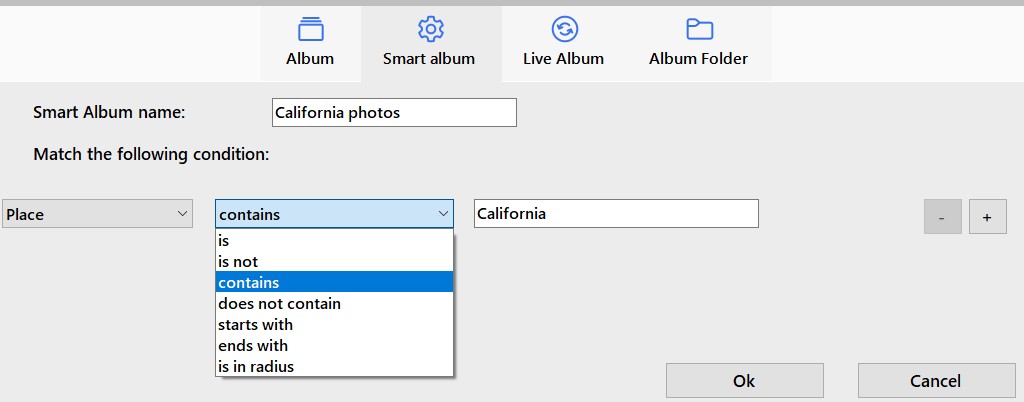
Location data can be used to make queries in Smart Albums. There you can make criteria based on location name:
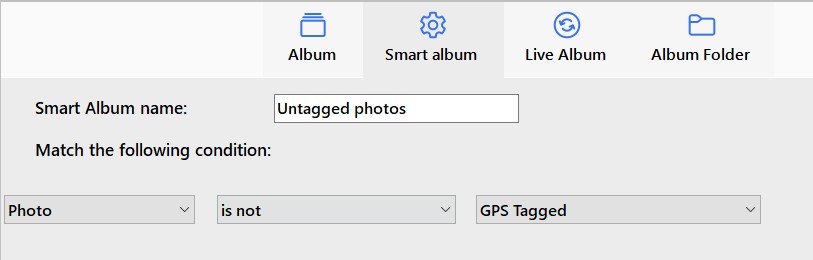
Or criteria to find photos that are not geo-tagged yet: