
PhotoLife Features
Intelligent Imports from Every Corner
Seamlessly import from local drives, USB sticks, cameras, and smartphones. Your files stay untouched, preserving space and original quality.
Import from network shares. Your home NAS is fully supported for a hassle-free organization.
Effortlessly import from memory cards without creating duplicates.
88
File Formats Supported
>1000
Camera Models
ICC
Color Profiles
Many Import Sources


Advanced Formats Supported
“

Full of speed benefits for my site and further enhanced by the fantastic support received from Gary and the team. I wouldn’t hesitate to recommend this.
Marie Garibay
Freelancer
Windows 11 native look & feel

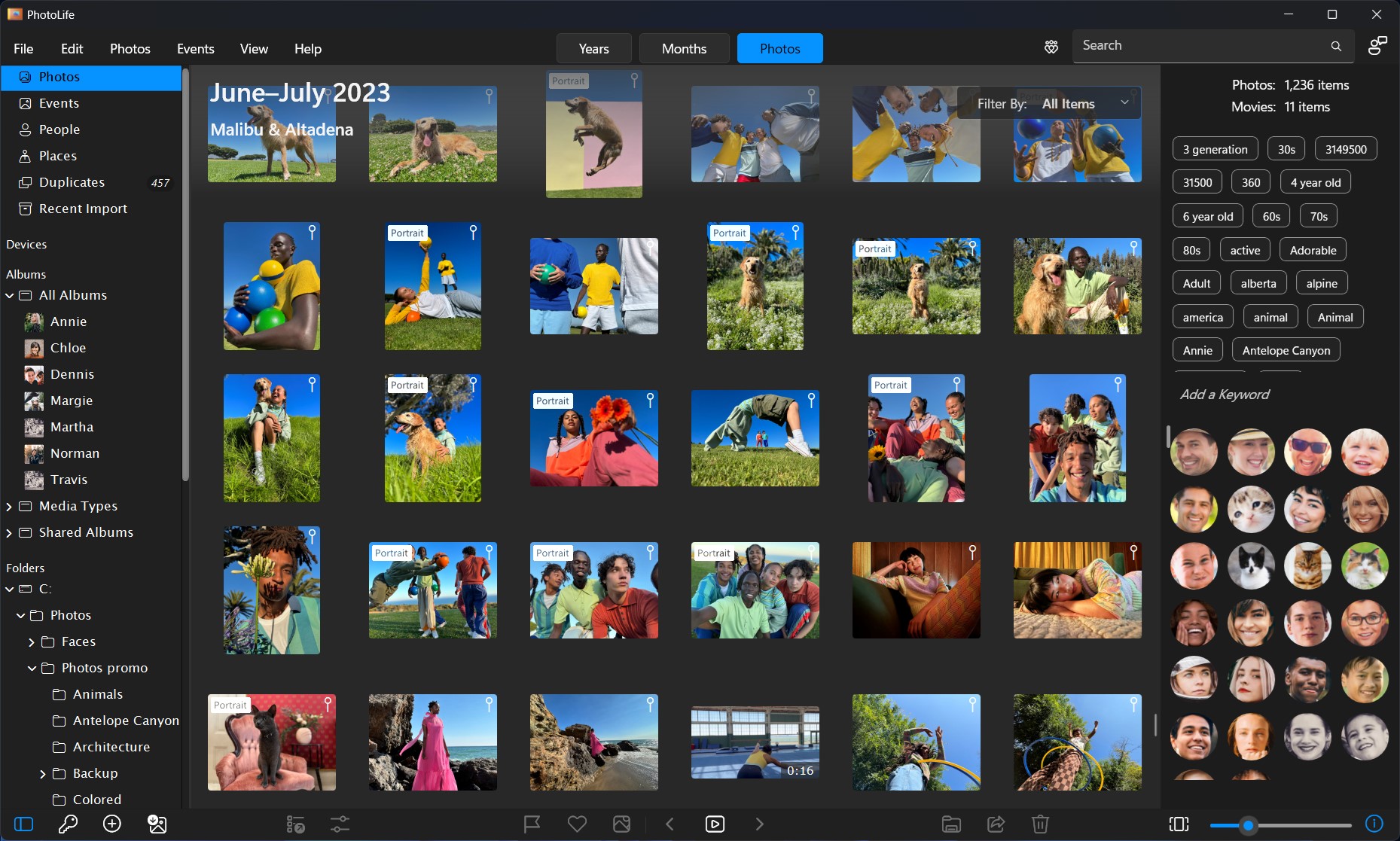
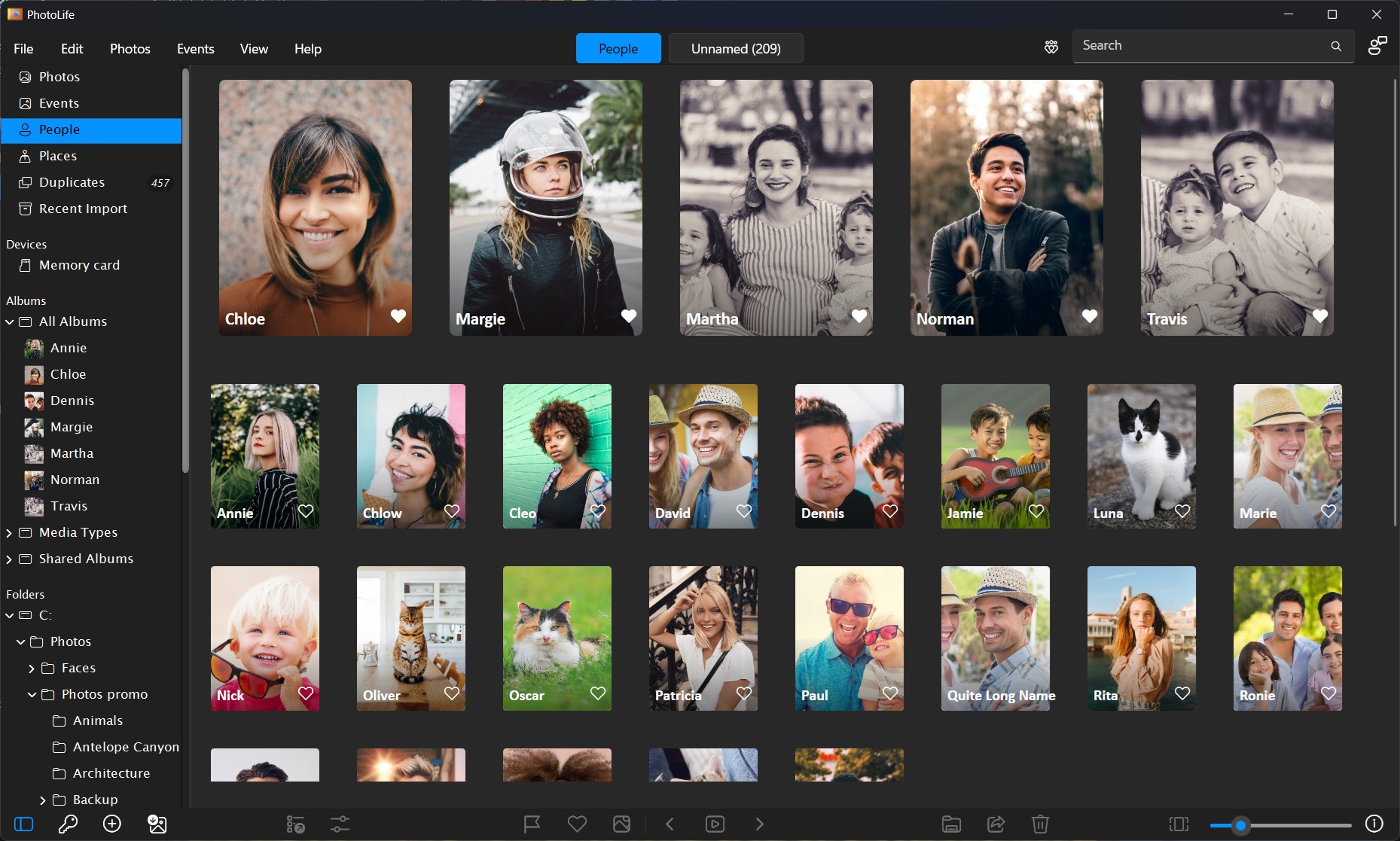
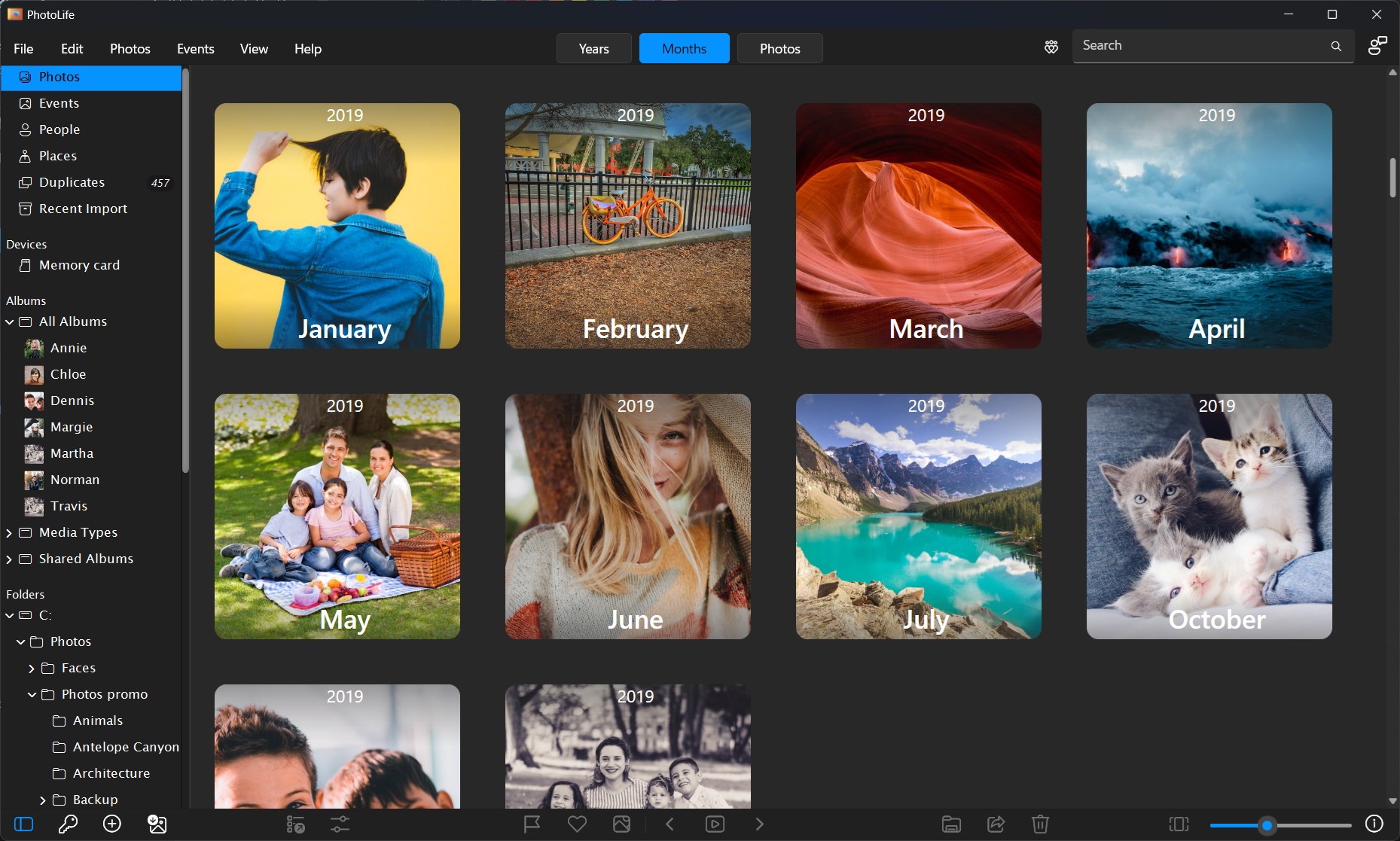
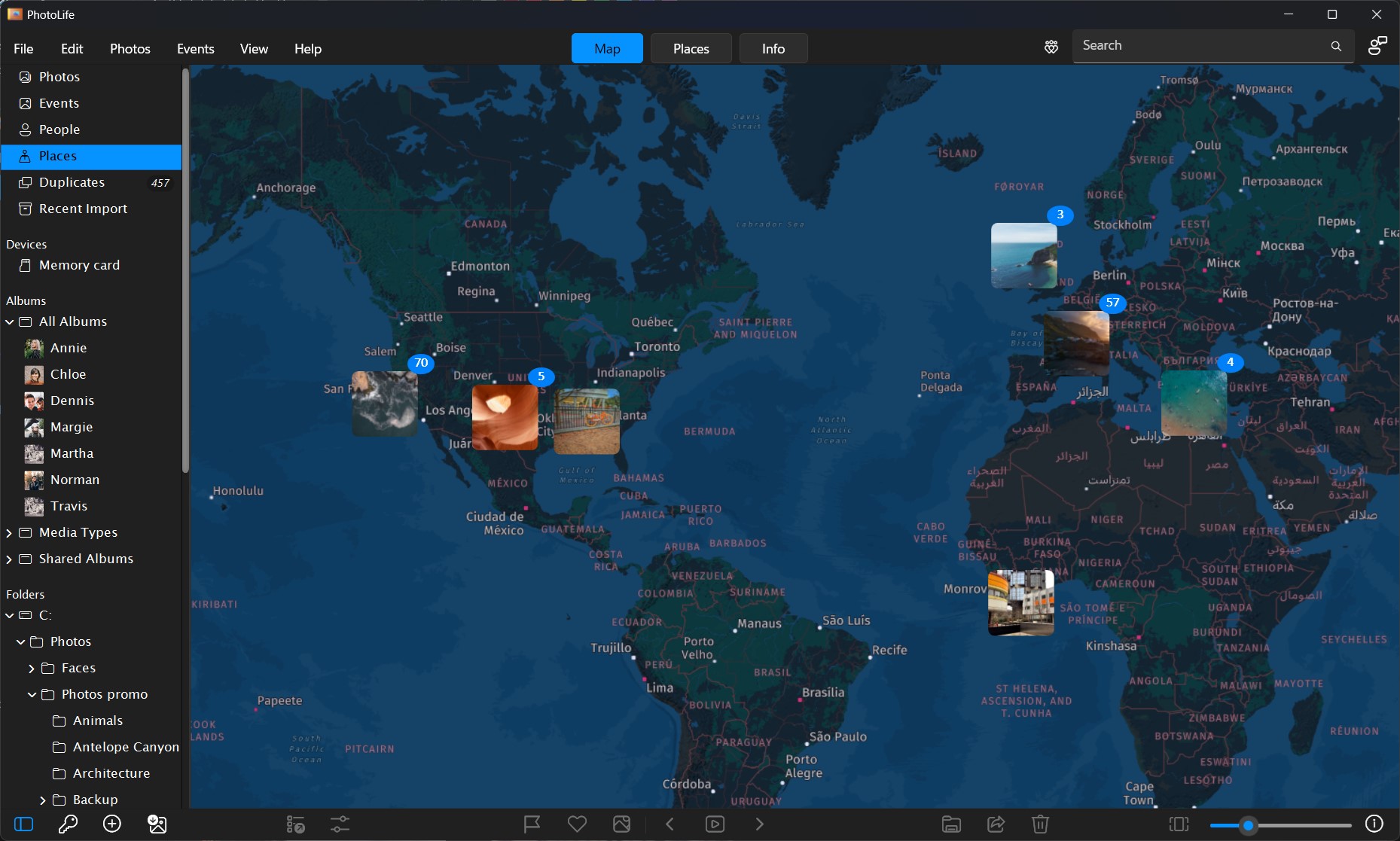
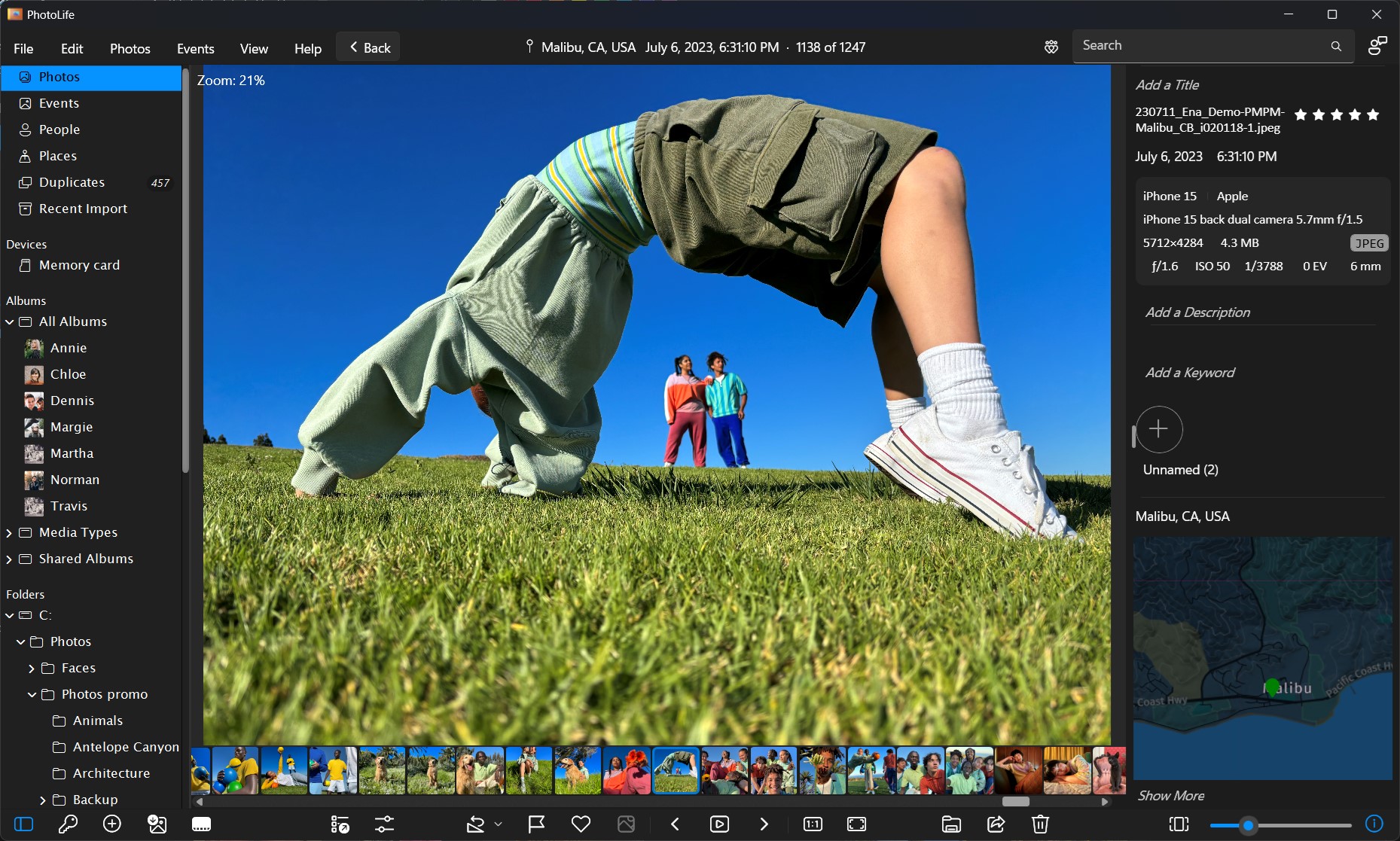
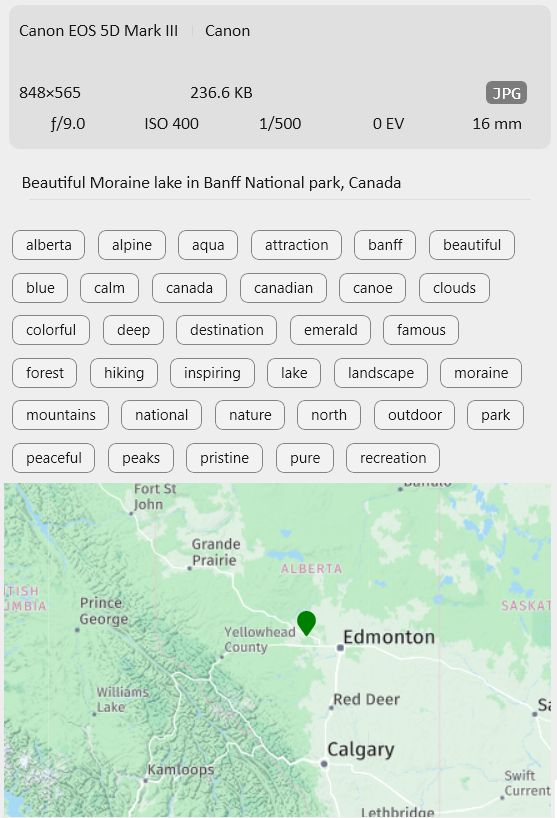
Unleash the Power of Tags and Metadata
Captions and Metadata
Imports essential metadata from EXIF and XMP sections, including descriptions, tags, timestamps, and more. Unlock the potential of instant search and filtering.
Tags and Keywords
Manage, modify, and write keywords on images effortlessly. Changes are stored within IPTC and XMP sections, preserving image integrity.
Photo Descriptions
Elevate your narratives by adding descriptions to images and albums. IPTC and XMP sections store these descriptions, adding depth to your memories.
Fix time-stamps
For photos with incorrect timestamps due to missed camera setup — this feature helps you to do a batch time shift(correction) for multiple images in one go.
Master Your Photo Browsing Experience
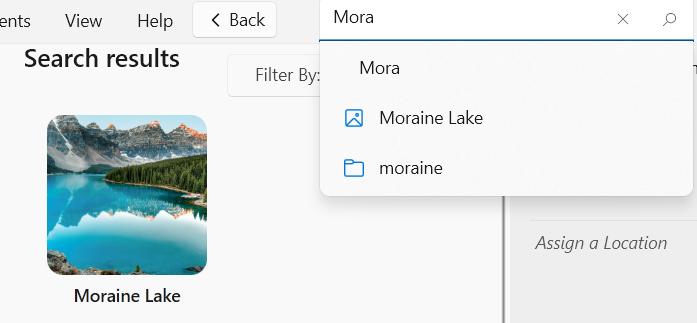
Powerful Search
Seamlessly search across your library with instant results. Search by titles, descriptions, keywords, album names, persons, holidays and dates.
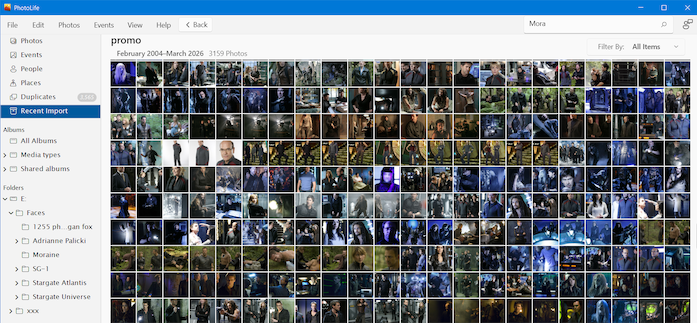
Thumbnails
Immerse yourself in the ultimate photo view. Scroll through your library, grouped by events and albums, with flexible sorting options.
Calendar
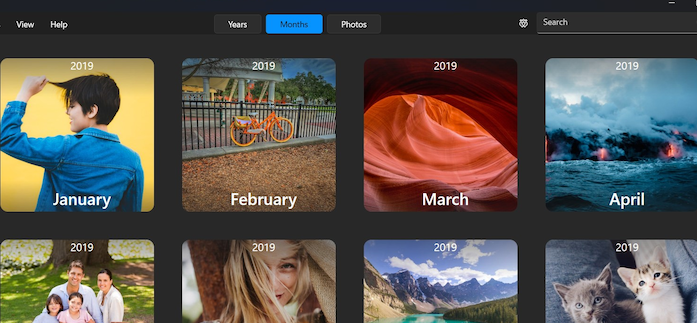
Dive into your memories with different calendar layouts. Scroll through events and albums, and switch between month, year, and all years scales.
Effortless Photo Organization
Events
Relive the magic of moments with organized events. PhotoLife groups shots taken at the same time and place, making memories tangible.
Albums
Curate collections without time constraints. Create manual albums to combine shared theme images, regardless of capture dates.
Smart Albums
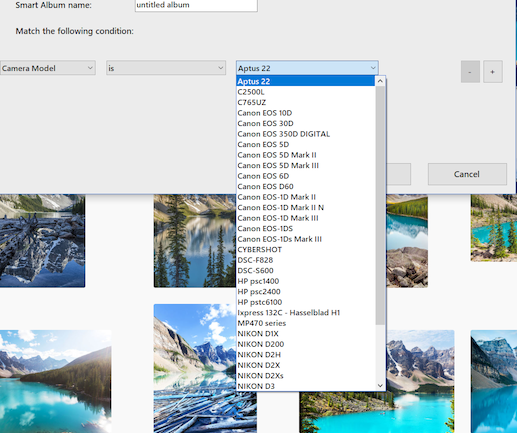
Automate organization with Smart Albums based on specific conditions. Let PhotoLife do the work with saved search queries tailored to your preferences.
Live Albums
Stay up-to-date effortlessly with Live Albums, tracking folders on drives or network shares. Edits from other applications seamlessly integrate.
Immersive Viewing Experiences
Thumbnails size
Customize thumbnail views with a dynamic zoom-in and zoom-out slider. Gain a bird’s-eye overview or a detailed look, all at your fingertips.


Dual monitors setup
Extend your experience with dual-view functionality. Utilize a second display or projector for a constant full-size view of highlighted images.


Slideshow
Run a captivating slideshow with ease. Enjoy basic photo editing options while viewing, and tailor the pace for a relaxed experience.


Beyond the Ordinary with Extra Features

Duplicates removal
Declutter effortlessly with PhotoLife’s duplicate detection. Identify and remove duplicates to optimize your library and storage.

Safe-boxes
Keep sensitive images private with password-protected safes. Secure your personal moments, making them invisible to prying eyes.

Seamlessly share and export your library. Send images via various email clients and easily export photos, albums, and events.

Email photos
Send photos by email using various email clients. Phototheca can send pictures via Gmail, Outlook(desktop), Windows 10 Mail app, and a default configured mail client.